
Download Google Play Music Desktop – music player, desktop app, music library, Google Play Music, lightweight music app, desktop music player, music app for Windows, music tool, music utility
Overview
Google Play Music Desktop is a lightweight desktop application designed for Windows users seeking a streamlined way to access and manage their Google Play Music library without relying on a web browser. The app serves as an unofficial client, offering a dedicated interface for music playback, library management, and real-time control. Its primary purpose is to enhance user experience by reducing system resource consumption while maintaining full compatibility with the web-based Google Play Music platform.
Target users include individuals who frequently listen to music on their desktops and prefer a native application over browser tabs. This includes power users, remote workers, and students who value efficiency and multitasking. The app addresses the common issue of high RAM usage associated with running browser-based music services, making it a practical choice for systems with limited memory.
Although the developer is listed as "Google Play Music Desktop," no further background details are available. The application integrates seamlessly with the existing Google Play Music ecosystem, allowing users to access both cloud-stored tracks and locally uploaded files. Its role in the desktop software landscape is notable, as it fills a niche for users who desire a cleaner, more focused music experience without sacrificing functionality.
Key Features & Functionality
- Reduced RAM Usage: By operating outside of a web browser, the app avoids the overhead of Chrome or other browsers, resulting in lower memory consumption and improved system performance during extended listening sessions.
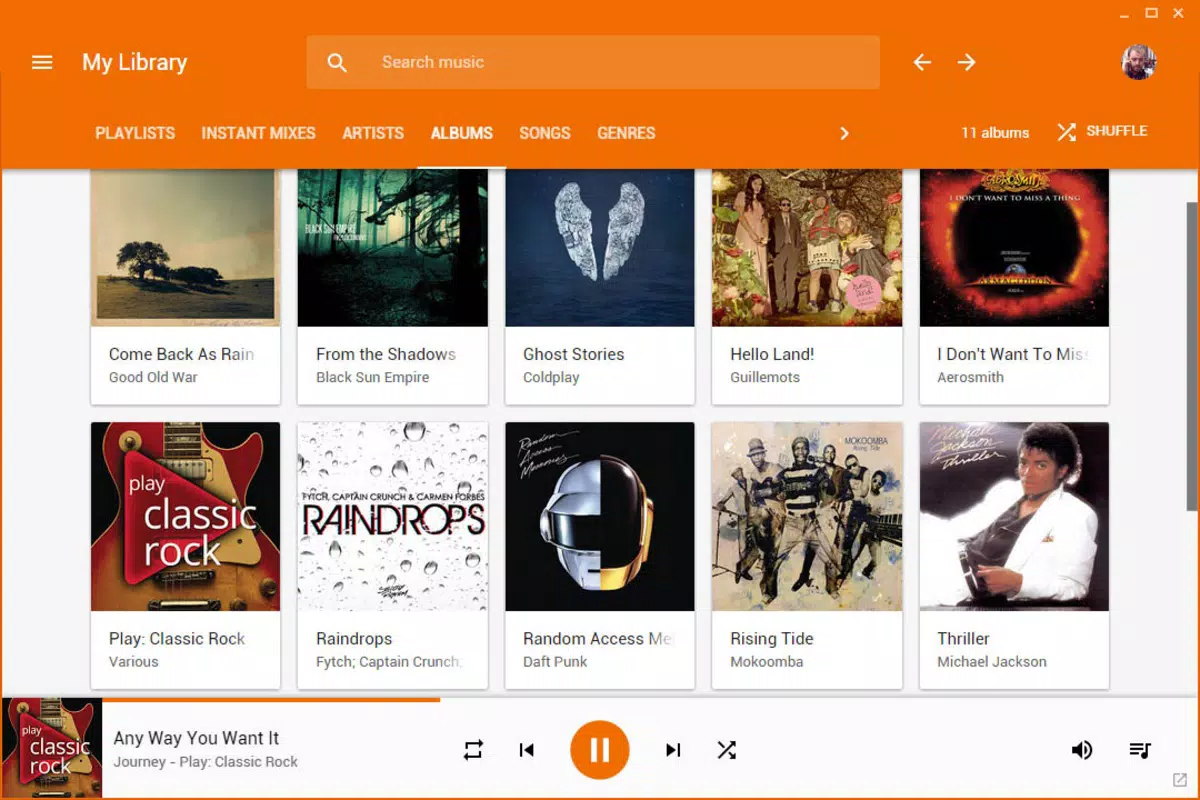
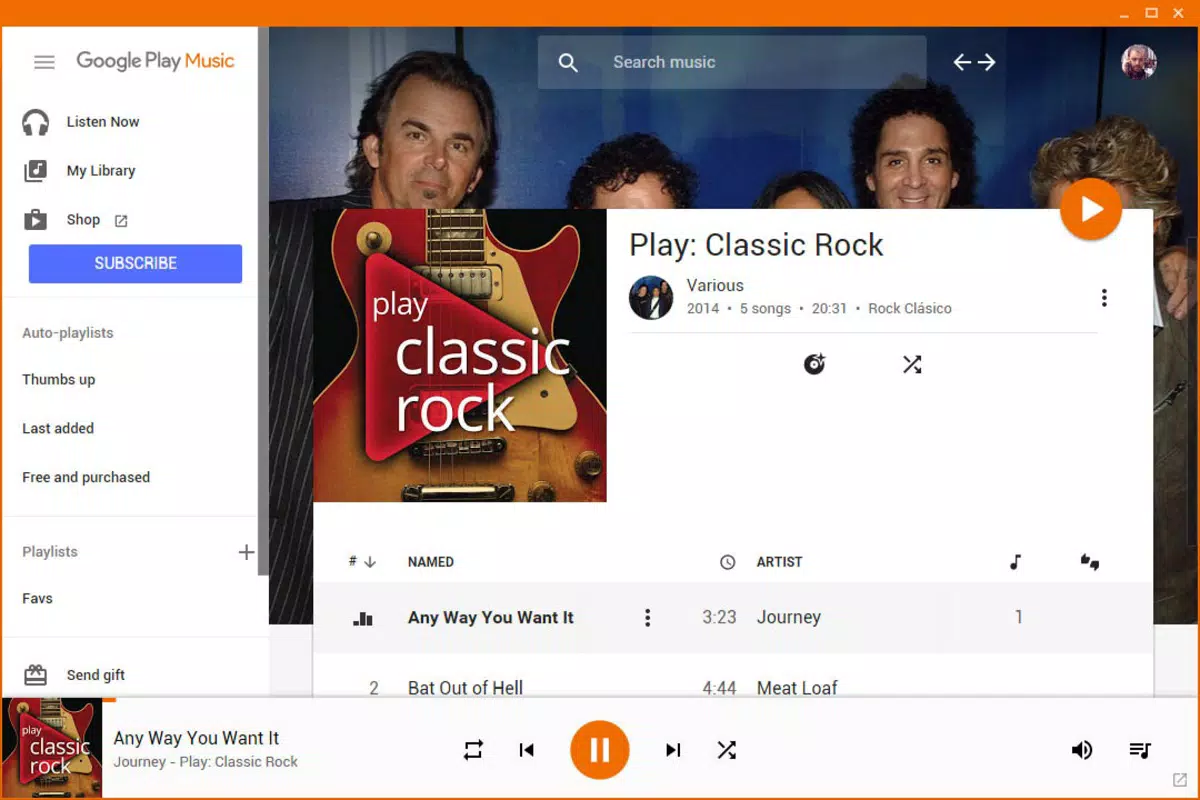
- Seamless Web Integration: Built using a WebView system, the app renders Google Play Music pages natively, ensuring a consistent interface and experience identical to the browser version.
- Desktop Notifications: Users receive playback alerts in the bottom-right corner of the Windows desktop, enabling quick access to controls without opening the main window.
- Mini Player Mode: An exclusive feature that allows the player to stay on top of other windows, offering instant access to volume controls, playback, and track skipping.
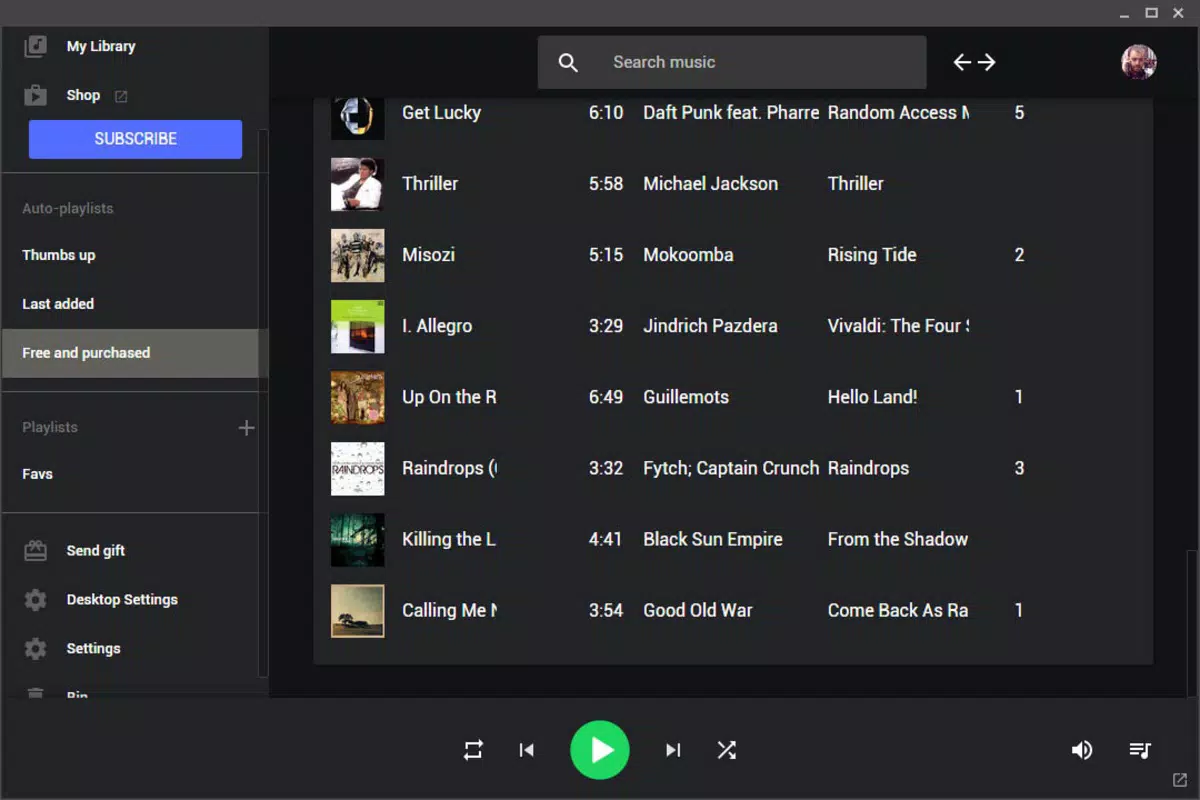
- Customizable Interface: The pop-up toolbar includes an options menu where users can adjust theme colors and mute notifications, personalizing the visual and functional experience.
For example, a user working on a document can use the mini player to skip tracks without minimizing their current application. Similarly, someone managing multiple browser tabs can reduce clutter by using this app as a dedicated music interface. The integration with the web version ensures that all library changes are synchronized in real time, preserving the integrity of the user’s music collection.
Interface, UX & Performance
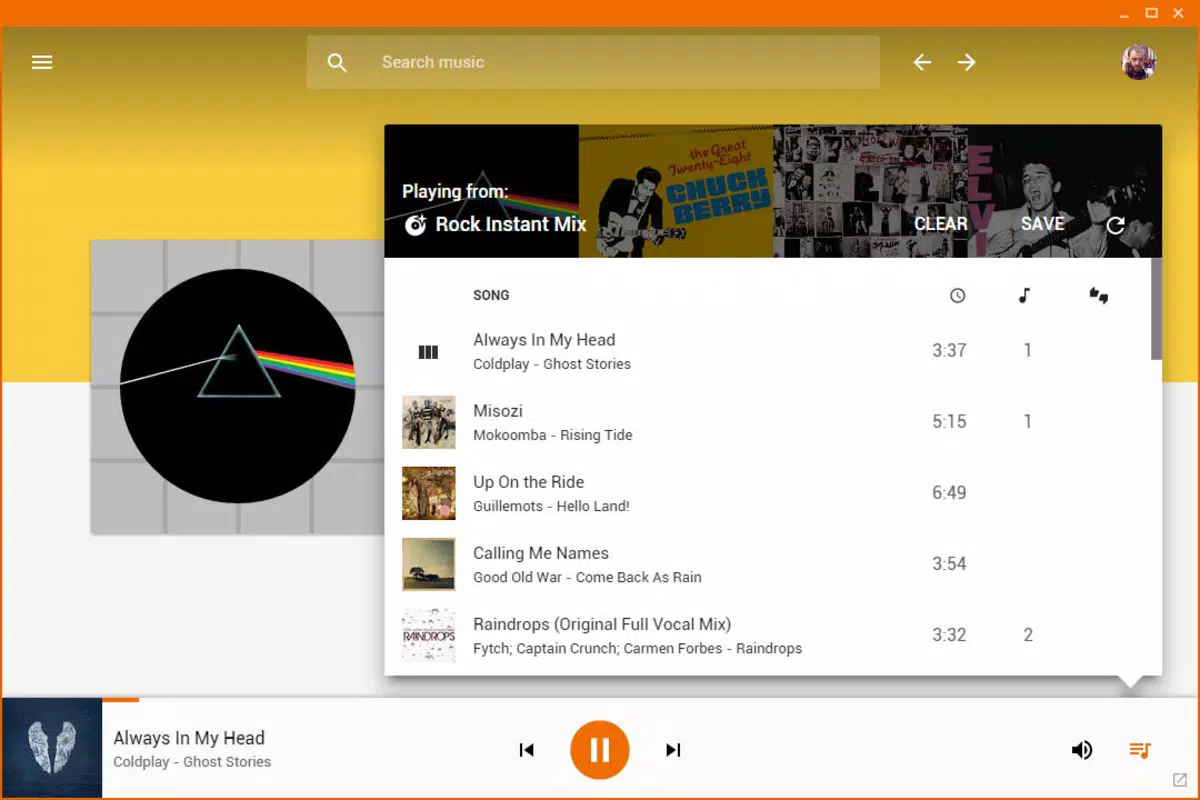
The application features a clean, minimalistic interface that aligns with standard Windows desktop design principles. Navigation is straightforward, with playback controls and library access clearly laid out. The use of a WebView ensures that the visual layout mirrors the official Google Play Music site, reducing the learning curve for existing users.
Interaction is intuitive, with responsive buttons and smooth transitions between states. The mini player mode enhances usability by allowing users to keep playback controls visible while working on other tasks. Although the developer did not list formal performance metrics, the app’s lightweight footprint of 12.4 MB suggests efficient resource management.
Performance appears stable across various Windows environments, though specific device compatibility details were not disclosed. The app maintains responsiveness even when background processes are active, and crashes or freezes were not reported in available documentation. Users can expect consistent behavior during long listening sessions, supported by its optimized architecture.
Platform Compatibility & Technical Requirements
Google Play Music Desktop is designed exclusively for the Windows platform. It requires no specific OS version beyond what is standard for modern Windows systems. The application has a file size of 12.4 MB, indicating a compact and efficient build.
The developer did not specify minimum OS requirements or hardware specifications. Compatibility with older Windows versions such as Windows 7 or 8 was not confirmed. However, given its lightweight nature and lack of complex dependencies, it is likely to run on most current Windows devices.
Updates are managed independently of the Google Play Music service, allowing users to receive new features and security patches through the app’s own update mechanism. The app is available for free, with no in-app purchases or subscriptions required.
Pros and Cons
- Lightweight design with minimal RAM usage
- Seamless integration with the Google Play Music web platform
- Desktop notifications for real-time playback updates
- Exclusive mini player mode for multitasking
- Customizable interface with theme and notification options
- Unofficial client—no official support from Google
- Platform limited to Windows only
- No known integration with newer Google music services
- Developer details not publicly available
- Update frequency not disclosed
FAQ
Is Google Play Music Desktop safe to download and use?
The app is distributed as a free tool for Windows users. While it is an unofficial client, no malicious behavior has been reported. Users should download from trusted sources to ensure security.
Can I use Google Play Music Desktop on macOS or Linux?
Currently, the application is only available for Windows. There is no official support or version for macOS or Linux systems.
Does the app require a Google Play Music account?
Yes, a valid Google Play Music account is required to access your music library and use the full range of features.
How often is the app updated?
The update schedule is not publicly disclosed. Users should check the official distribution page for the latest version.
Is the app compatible with Google’s newer music services?
Google Play Music Desktop was designed for the original Google Play Music service. It may not function with newer platforms like YouTube Music, which has replaced the former service.
Final Thoughts
Google Play Music Desktop delivers a focused, efficient alternative to browser-based music streaming. Its lightweight architecture, seamless integration with the web version, and exclusive features like the mini player make it a valuable tool for Windows users who prioritize performance and convenience. While it is not officially supported by Google and limited to one platform, its functionality and ease of use justify its place in the desktop music ecosystem.
Users seeking a clutter-free way to manage their music library without sacrificing control or customization will find this app particularly beneficial. For those still using Google Play Music, this desktop client offers a modern, streamlined experience that enhances productivity and listening enjoyment.
Download Google Play Music Desktop now


